
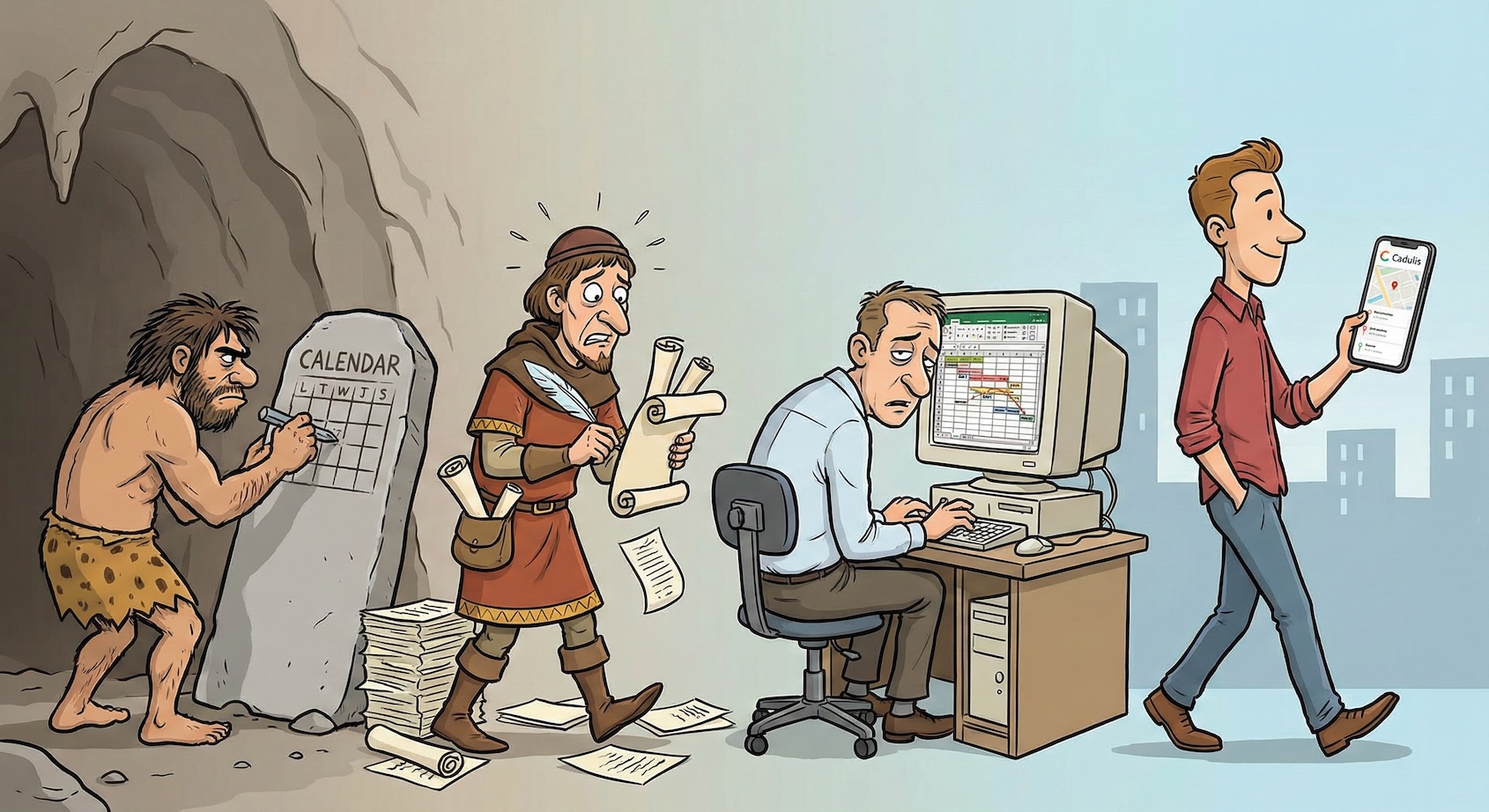
Excel vs SaaS Software: The 5 Signs That Prove Your Excel File Is No Longer Enough
Managing the operations of a field service company requires constant logistical precision to coordinate technicians, clients, and emergencies. Many companies start this journey with classic office tools, thinking they are saving on immediate structural costs. However, as business grows and teams expand, what seemed like an agile and free solution insidiously turns into a real performance bottleneck, hiding operational costs far higher than the investment in a dedicated tool.
We’ve all started there. The blank spreadsheet. The absolute freedom of columns and rows. It’s reassuring, it’s flexible, and above all, it’s free (or almost). You’ve probably spent sleepless nights perfecting formulas, creating color codes for emergencies, and merging cells so that the weekly schedule fits on a landscape A4 page. It’s your baby. A digital work of art.
But let’s be honest for a moment. Deep down, you feel the mechanism creaking. This file, as ingenious as it may be, is starting to show its limits. It’s become heavy, slow, and maybe even a little scary for your colleagues, who no longer dare touch it for fear of “breaking a formula.”
If you’re wondering whether it’s time to switch to a professional solution, here are the 5 unmistakable signs. If you recognize even one, it’s time to say goodbye to your Excel intervention schedule.
Sign #1: The “House of Cards” Syndrome (or the Fragility of the Mastermind)
This is an absolute classic. In every company, there’s a “Spreadsheet Genius.” Often, it’s the manager at first, or a particularly skilled administrative lead. They’ve created a monster of complexity with blinking VBA macros and links between twelve different tabs. It’s magnificent. Truly.
But what happens the day this genius goes on vacation? Or worse, leaves the company?
The know-how leaves with them. The rest of the team is left facing a fighter jet dashboard with no flight manual. And then, one day, a well-meaning intern adds a column or deletes a row “that looked empty.” And then, disaster strikes. #REF! and #VALUE! errors blossom everywhere. The file is corrupted. The history is unreadable.
Your organization should not rely on the IT virtuosity of a single person. A SaaS software is robust; it doesn’t “break” because someone clicked the wrong place. It structures the working method independently of individuals.
Sign #2: Your Office Turns Into a “Crisis Cell” Every Morning
Picture the scene. It’s 8:00 a.m. The coffee is hot, but the atmosphere is icy. One of your technicians just called: he’s sick. Or his van won’t start. It’s the unexpected, the grain of sand in the gears.
With an Excel intervention schedule, it’s the start of a stress marathon. The schedule was already printed the night before. The route sheets are out. You have to call the other technicians one by one: “Where are you? Can you take the 10 a.m. client? Oh no, that’s across town…”.
The office turns into an emergency call center. Papers are crossed out, post-its are scribbled, and you lose an hour of pure energy just to “limit the damage.” This forced reactivity is exhausting for your administrative teams. The absence of a tool capable of recalculating the situation in real time turns every hiccup into an organizational disaster.
Sign #3: The Deafening Silence of Manual Optimization
This is a scene we often see at Cadulis, and it’s always a bit awkward. We meet planners who are rightly proud of their work. They know their area’s geography by heart. They spend hours grouping interventions to create logical routes.
And then, we run our “magic hat” on the same data. In a few seconds, the algorithm suggests a different organization. Often, there’s a stunned silence in the meeting room.
Why? Because the human brain, as brilliant as it is, can’t compete with mathematical computing power when it comes to combining dozens of constraints (schedules, skills, traffic, distance). Humans do “very good.” The machine does “optimal.”
This silence is the sound of money you’re losing. Every unnecessary kilometer traveled out of habit, every 30-minute “gap” in the schedule that could have been filled, is net margin evaporating. Your Excel intervention schedule doesn’t know how to optimize; it only records your decisions.
Sign #4: Corporate Amnesia (and the Weeping Cash Flow)
Paper has a major flaw: it’s volatile. Once the intervention sheet leaves the printer to join the technician’s van, it enters an informational black hole.
- Is the job done? No one knows.
- Are there extra works to invoice? We’ll see when he gets back.
- Did the client sign? Mystery.
The return of these paper sheets is often an archaeological ordeal. Coffee stains, illegible handwriting (“Is that a 3 or an 8?”), sheets lost under the passenger seat… This latency is toxic. As long as the info hasn’t come back and been re-entered (manually, a source of errors!), you can’t invoice.
Even worse, how do you find the history of an intervention done six months ago? Dig through dusty archive folders? Rely on the technician’s fallible memory? A modern company can’t afford to be amnesic. Digitalization offers eternal traceability and instant invoicing.
Sign #5: The Client “No-Show” That Costs You a Fortune
Let’s talk about the end client. They live in a connected world. They get notifications for their Amazon package, their rideshare, their pizza. And for your intervention? Nothing. Radio silence.
Your Excel file is mute. It can’t send SMS. Result: the technician arrives, and the client isn’t there. They forgot. “Oh shoot, was that today?”
This pointless trip is a total loss: fuel, travel time, technician’s time, and a slot lost for another client. Experience shows that a simple automatic SMS reminder the day before drastically reduces these failures. If your current tool can’t communicate with your clients on its own, it’s costing you money every night while you sleep.
But Google Drive or SharePoint, that’s enough, right?
This is the classic objection. “We’re modern, we put our Excel on Drive!” Sure, you’ve solved the read-only locked file problem. Now you can make mistakes together, at the same time, and in real time!
But this does not change the core of the problem. A shared spreadsheet is still a spreadsheet. Excel lacks business intelligence. It won't alert you if you schedule a field service at a client who is closed on Wednesdays. It doesn't calculate realistic travel times. Your spreadsheet remains a sophisticated blank sheet.
The Illusion of Free
This is the final argument, the last line of defense: "Yes, but Excel is free."
Not exactly. It may actually be the most expensive expense in your company. Calculate the time spent fixing formulas, calling technicians, re-entering unreadable reports, or returning to absent clients.
The break-even point for a tool like Cadulis is often reached... with the very first technician. Optimizing just one route per month is often enough to cover the cost of the software, thanks to fuel savings and productivity gains. The mental comfort, the end of morning stress, and the reliability of your data are the priceless bonuses.
Your Excel intervention planning has been a loyal companion. It helped you get started. But today, to take your operations to the next level, it's time to thank it for its service and let it enjoy a well-deserved retirement.
As recommended by the government initiative France Num, equipping yourself with dedicated management software is an essential step in structuring the growth of an SME.